
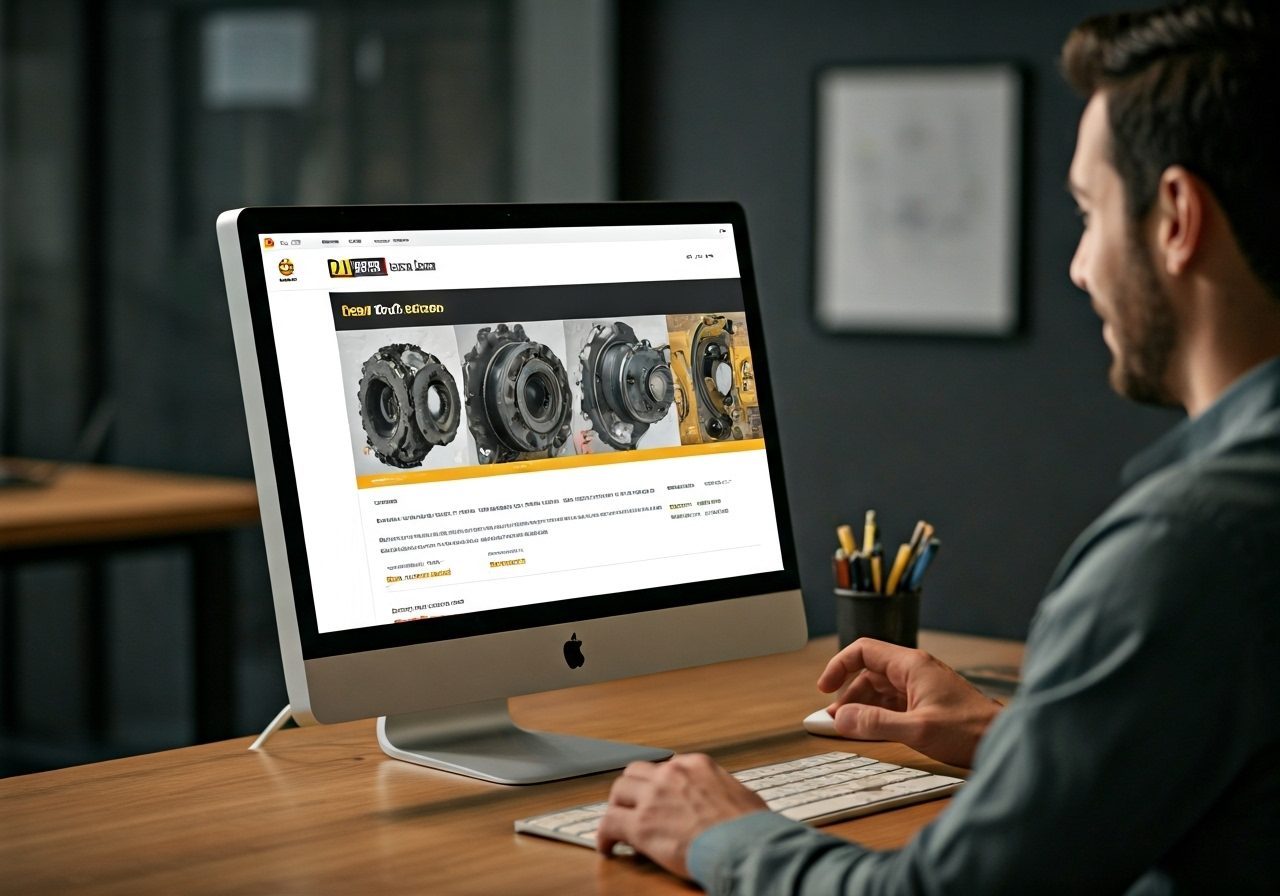
You can register on a desktop, tablet, or mobile device. Download the Cat Central mobile app to start the process from your phone.
Option 1: Receive a Direct Registration Invitation from Foley if you have a Foley Account (Fastest Option)
If your company already has a Caterpillar® account, Foley can send you a direct registration link to make setup faster. With this option, much of your company information is prefilled, cutting down the amount of information you need to enter by about half.
How this works:
- Email the following information to Cindy Welstead, [email protected].
- Your company name
- Your email address
- Cindy will email you a direct registration link for Parts.Cat.Com and Cat Central.
- You will also receive a short user guide to help you complete setup.
- Open the link, verify your information, and finish creating your username and password.
Option 2: Register Using the Cat® Central Mobile App
If you prefer using an app, you can register through Cat® Central on your smartphone.
Step-by-step registration
- Download the Cat® Central app from the Apple App Store or Google Play Store.
- Open the app and agree to the User Agreement and Privacy Notice.
- Tap Create Account.
- Select your local Cat® dealer using your current location or by searching an address.
- Choose your Foley location from the list.
- Enter your personal information:
- Name
- Email address
- Phone number
- Enter your address and Foley customer number (optional).
- Choose email or text verification and enter your verification code.
- Create your username and password.
- Agree to the Terms of Use.
- Optional:
- Join Cat® Rewards
- Enable Two-Factor Authentication
Option 3: Register on Desktop or Mobile Browser (Parts.Cat.Com)
Creating an account takes just a few minutes and works on any device.
Step-by-step registration
- Go to Parts.Cat.Com or Cat.Com or .
- Select Sign In, then Register.
- Enter your location to find your local Cat dealer.
- Select your Foley location and accept the Terms and Conditions.
- Enter your personal and business information.
- Choose email or text verification and enter your verification code.
- Create your username and password and agree to the Terms of Use.
Helpful things to know about registration
- One Caterpillar account can be used across multiple Cat websites and apps.
- A Foley customer number is optional but can speed up account setup.
- Two-Factor Authentication adds extra security and is optional.
- Once approved, you can browse parts, place orders, and track order history online.